
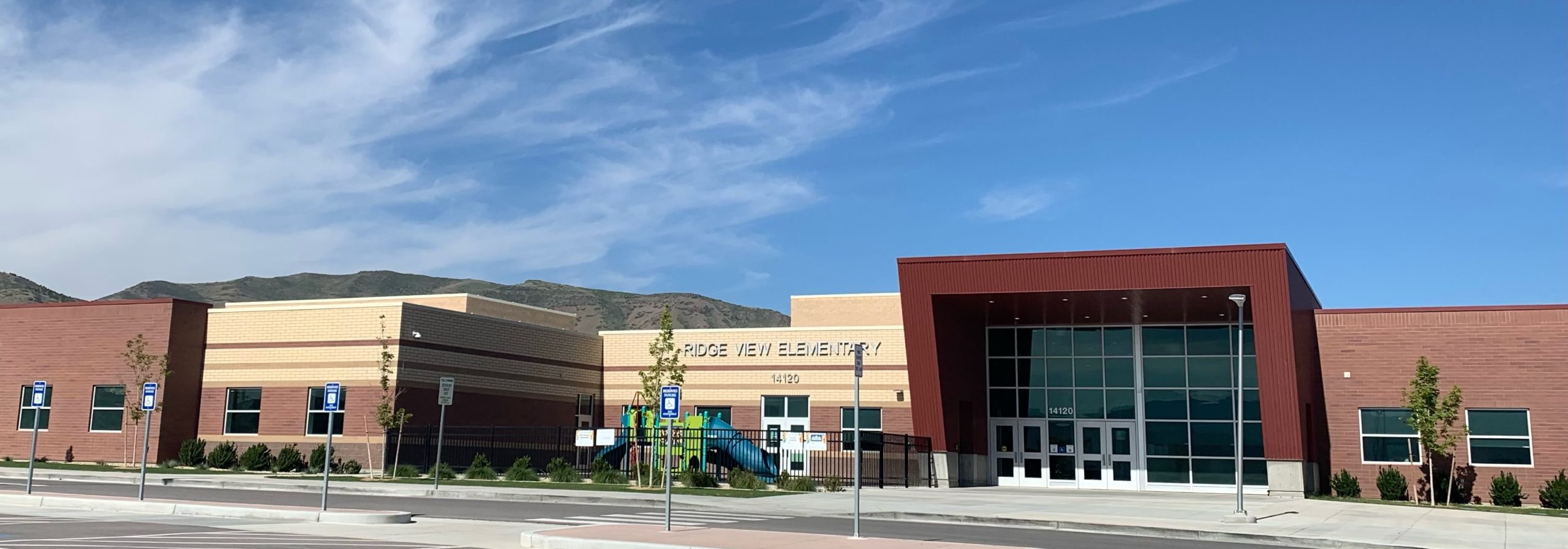






Welcome to Ridge View Elementary!
November Newsletter
Check out November's Newsletter Video.
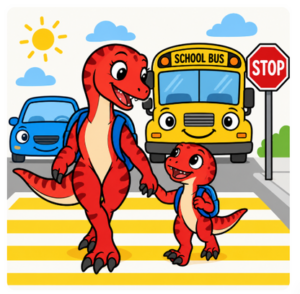
Parking Lot Safety Reminders
Parents, thank you for helping us keep pickup and drop-off safe!
When exiting the main parking lot, please remember to stay single file in one lane and make a left turn only when leaving.
Passing other cars or forming multiple lanes creates a safety risk for our students and families. A few extra seconds of patience helps everyone get home safely!
Thank you for your cooperation — we appreciate you!
|
Attendance Reminders Just a reminder that the First Bell rings at 8:55 am and the Tardy Bell rings at 9:00 am. Just a reminder that the First Bell rings at 8:55 am and the Tardy Bell rings at 9:00 am.We'd love your help getting your student to school on time so they can line up when the Warning Bell rings at 8:55 am.
Please note: Students will now be marked Tardy when entering at 9:00 am.
Thank you so much for helping your student start their day off right! 😊
|
Excusing Your Student If your student is going to be absent, there are three ways you can excuse the absence: If your student is going to be absent, there are three ways you can excuse the absence:
If you need any clarification regarding attendance, please review Ridge View's Code of Conduct
|
Checking OUT your student When checking out your student, please remember the following: When checking out your student, please remember the following:
|
Paying Library Fines
Did your book wander off on an adventure? Or did life happen and now they're a little... loved to pieces?
 Don't panic — there's an easy way to set things right and become a Library Hero again!
 Two ways to pay:
Pay your fine, free your conscience, and let the reading adventures continue!
  |

 Stop by the office with cash or check — we love visitors!
Medications Does your student have specific medication needs that we need to be aware of? If so, here are the documents we need to have on hand to help your student: Does your student have specific medication needs that we need to be aware of? If so, here are the documents we need to have on hand to help your student:
JSD Meal Accomodations: If your student needs to have an accommodation with their lunch through the cafeteria, this form must be filled out.
|
School Lunch Payments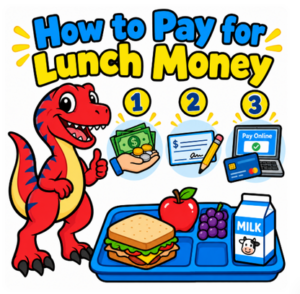 We would really like to see our students' lunch accounts stay positive this school year. Here are three ways to do this: We would really like to see our students' lunch accounts stay positive this school year. Here are three ways to do this:1. Bring Payment to the Office: we accept cash, check or a card.
2. Pay Online Through JSD eFunds
3. Apply for Free & Reduced Lunch
If you feel you might qualify for Free and Reduced lunch, please make sure to fill out an application. You can complete it online through Skyward, or stop by the office to pick up a paper application.
|
Volunteering
If you would like to volunteer, please follow these instructions:
Important Note: Regardless of whether you only plan to help in the classroom or on field trips, ALL volunteers must complete this online application.
If you have had your fingerprints processed in the past, you will NOT need to have them processed again.
|
 Our amazing HR Department has been working hard to streamline our volunteering process!